
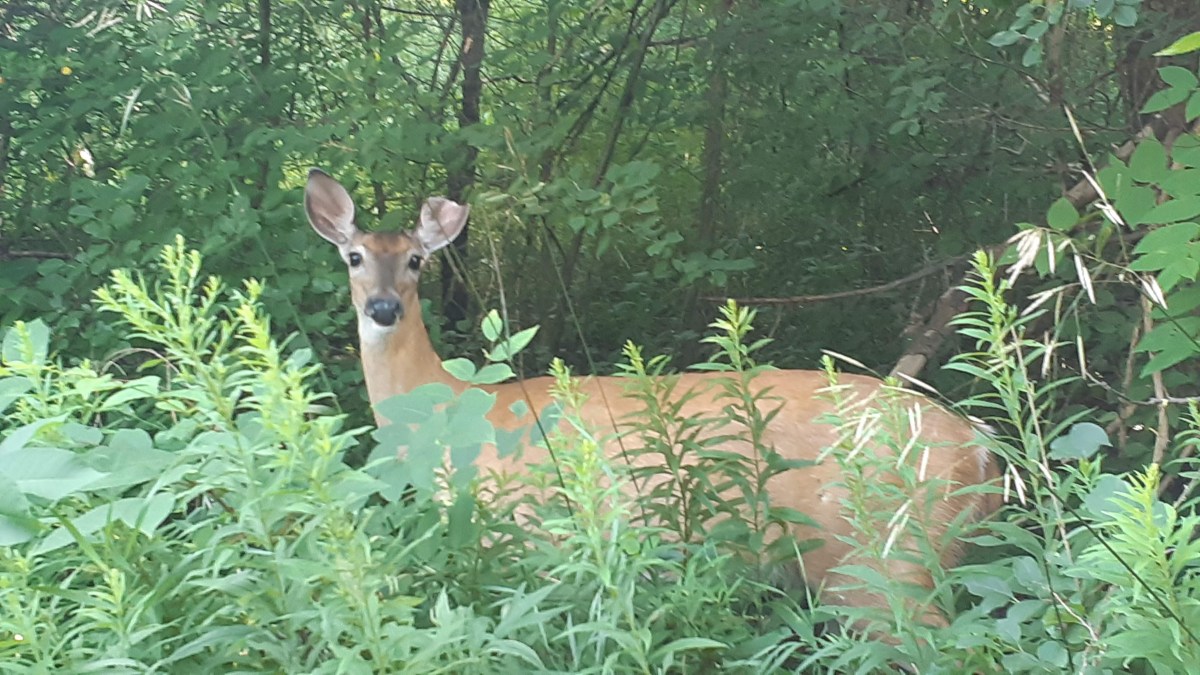
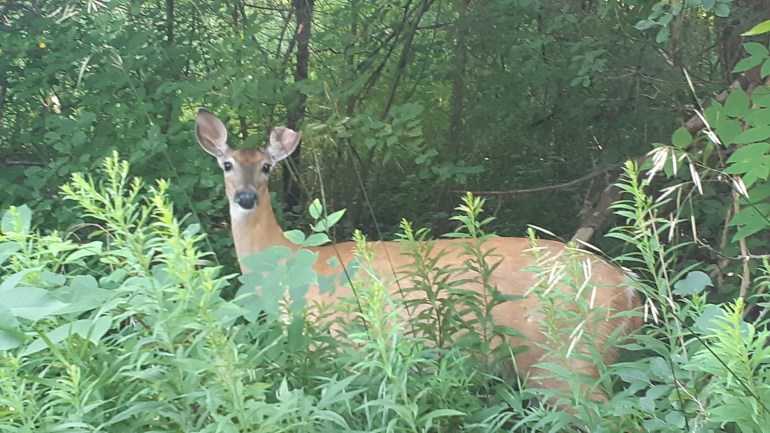
I was returning home on my jog when I heard a great shuffling and stamping ahead of me. Startled I looked up and saw this doe hastily trying to make an escape. I was amazed that I passed her just five minutes before going in the opposite direction! I had no idea she was there until she made so much noise!
But I wasn’t planning on writing about wildlife today, rather I was planning on talking about exposure compensation (Ev on your camera). What is exposure compensation you might ask? Exposure compensation is adjusting a photo by lightening or darkening it so it matches what you see with your eye. This allows to you overcome the limitations of the camera’s light meter.
Huh? Well, say you are taking a photo of a light coloured object on a bright day and when you take the photo, the whites/lights are blown out and you can’t see any details in the light areas (overexposed). Or conversely, when you are taking a photo in a dark environment and there’s very little details in your shadows (underexposed), but your light meter is reading zero. You can regain those details by utilizing exposure compensation or Ev. Since there’s lots of how-tos for SLRs and DSLRs, I’ll talk about how to do this on your smartphone.
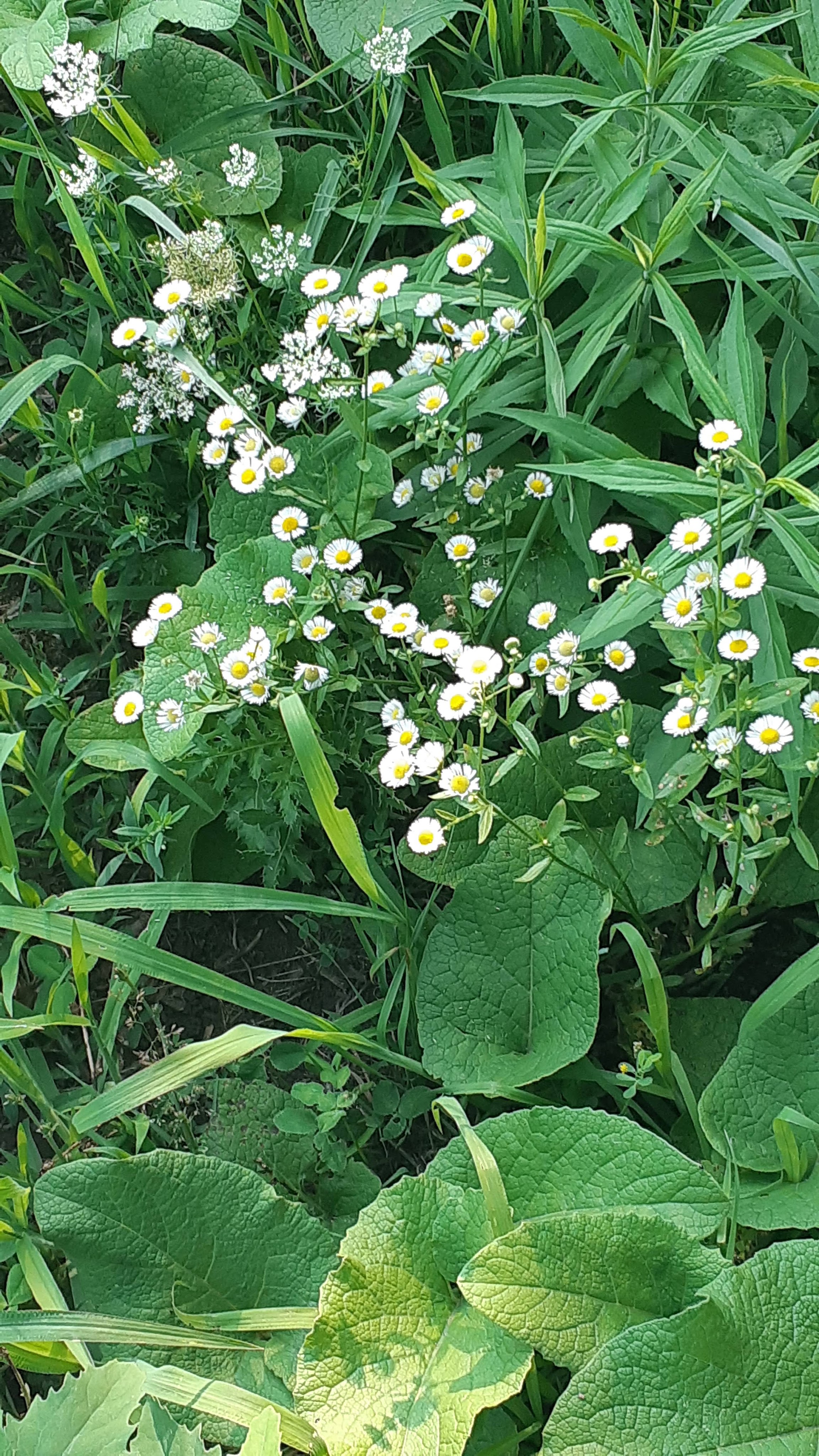

In the above images, you can see what it looks like without exposure compensation-the whites have lost their details and have actually gone fuzzy. In the second photo, I adjusted the exposure compensation to darken the image and regain the details in the photo.
Now, I have a Samsung, so I will be telling you how I did it on that on that brand of phone, but it will likely be similar on other types of smartphones.
Open your camera. Cycle through your options and go to Pro Mode. It should be among the list of other functions such as video, panorama, photo, food, pro, etc. The Pro Mode should allow you to change your ISO, WB (White Balance) and then +/-. This +/- is your exposure compensation (Ev) function. Tap that icon, it should bring up your light meter. While pointing your camera at your subject drag the yellow bar with your finger until you get the sharpness you desire. Hint: if your whites/lights are blown out, drag the bar to the left, into the – (negative), if your shadows have lost their details, drag it into the + (positive) side on the right of the meter.
Keep in mind as you adjust your photos, you will lose details in the opposite direction. If you’re trying to gain details in the lights, you will lose them in the shadows and vice-versa, it’s a balance.
You can use exposure compensation for artistic purposes too. By brightening your photo, you can give your image a feeling of lightness, joy and positivity. By darkening your photo, you can add moodiness or sadness to an image.
If you have a low contrast photo (light against light or a dark subject against a dark background), you can bring out the subject by using Ev as well. If you have a light subject against a light background, try dialling up (+ or right side) as needed. And try the opposite dialling down (- or left side as needed) for a dark subject on a dark background.
If you are trying to shoot a high contrast photo (lights are very light and darks are very dark) and despite shooting the image using your Ev, either the lights get blown out, or the shadows lose their detail, you may have to try shooting from another position, or at a different time of the day. If you really want the image with the atmosphere you have you will probably have to do an HDR photo. That would require taking three shots (or more) using different exposure compensations (usually, -1, 0 and +1). and then combining the shots in a photo editing program, which I’m not going to delve into in this post.
Until next time, enjoy practicing and playing around with you smartphone camera!
 Sweet Gale Cottage
Hello.
I love your photo of White-Tailed Deer . Gorgeous! I have not seen them, but reindeer. They are cute animals and not so much afraid of people. Example:
Reindeer1 are cute
Have a good day!
LikeLike